
Download SolSuite – Solitaire Card Games, Statistics Tracking, Daily Challenges
Overview
SolSuite is a comprehensive mobile application designed for solitaire enthusiasts seeking a diverse and engaging card gaming experience. The app offers a rich library of solitaire games, spanning classic titles such as Klondike, Spider, and FreeCell, as well as unique variations like Busy Aces and Flower Garden. Its primary purpose is to provide players with a consistent, challenging, and rewarding environment for daily gameplay. The app caters to users of all skill levels, from beginners exploring their first solitaire game to experienced players looking to refine their strategies through detailed performance tracking.
By integrating statistics tracking and daily challenges, SolSuite addresses common player needs: progression, variety, and long-term engagement. The app is particularly valuable in the mobile gaming ecosystem for those who value mental stimulation, pattern recognition, and strategic thinking in a low-pressure format. Real-world use cases include casual play during commutes, evening relaxation, or competitive self-improvement through performance analysis. The developer did not provide additional technical details or background information, but the app’s structure suggests a focus on accessibility, depth, and user retention.
Key Features & Functionality
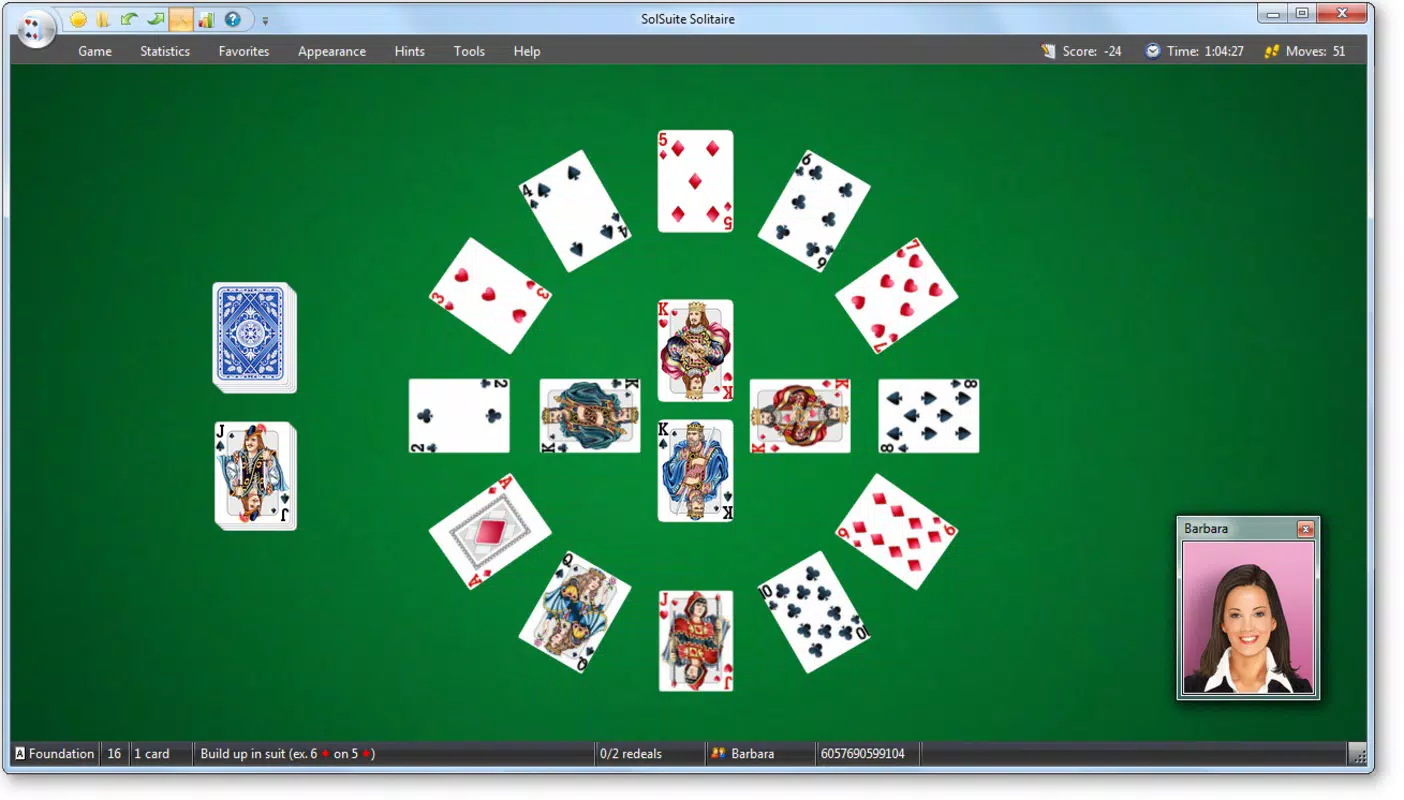
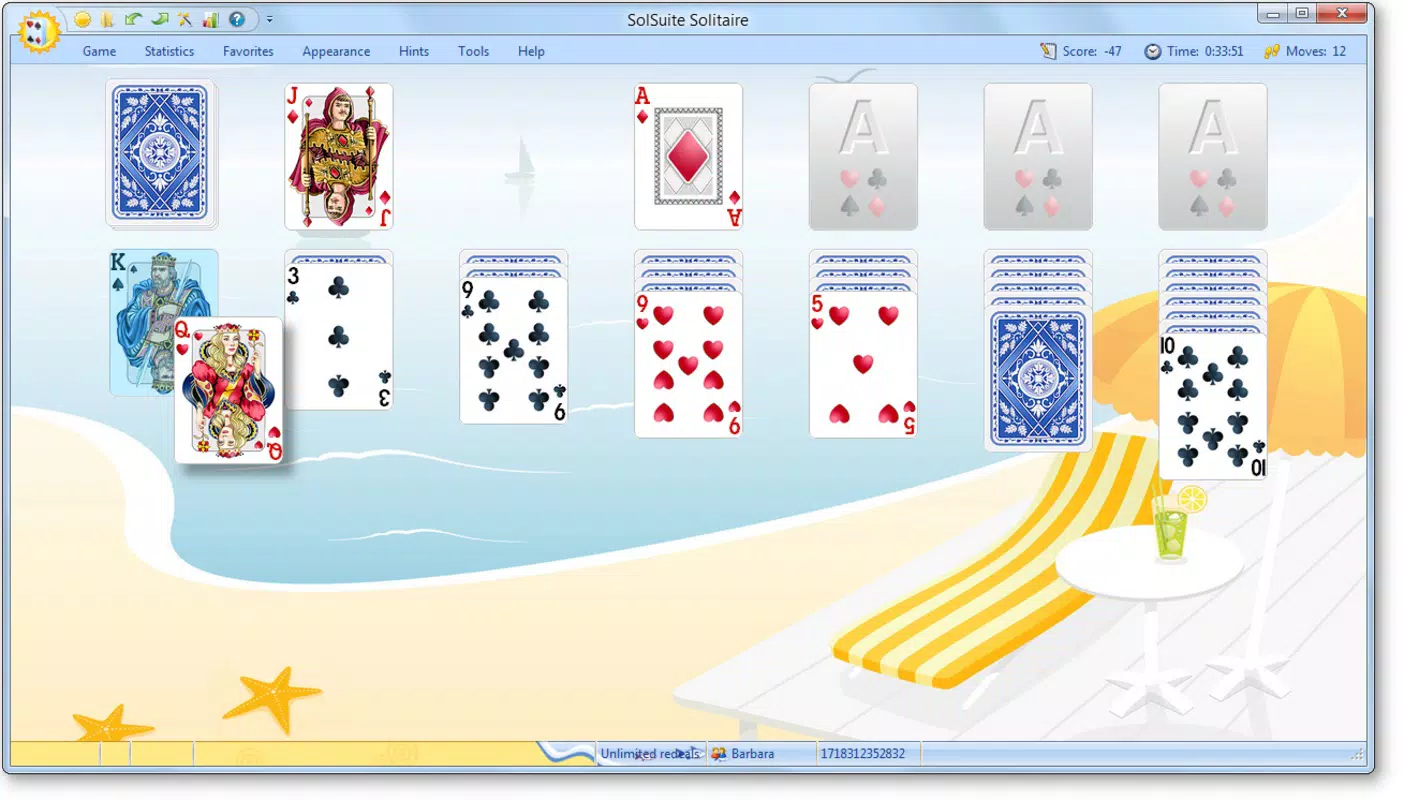
- Extensive Game Collection: SolSuite includes a wide range of solitaire variations, ensuring that players never face repetition. Classic games like Klondike and FreeCell are available alongside less common options such as Busy Aces and Flower Garden, offering fresh challenges and varied gameplay mechanics.
- Detailed Statistics Tracking: The app records win/loss ratios, session duration, move counts, and other performance metrics. These insights are presented through graphs and tables, enabling users to monitor their progress and identify improvement areas over time.
- Daily Challenges: A curated selection of unique game scenarios is offered each day, encouraging regular engagement. These challenges introduce new rules or constraints, keeping the gameplay dynamic and preventing stagnation.
- User-friendly Interface: The app features an intuitive layout that simplifies navigation through the game library and settings. Players can easily switch between games, adjust preferences, and access statistics without confusion.
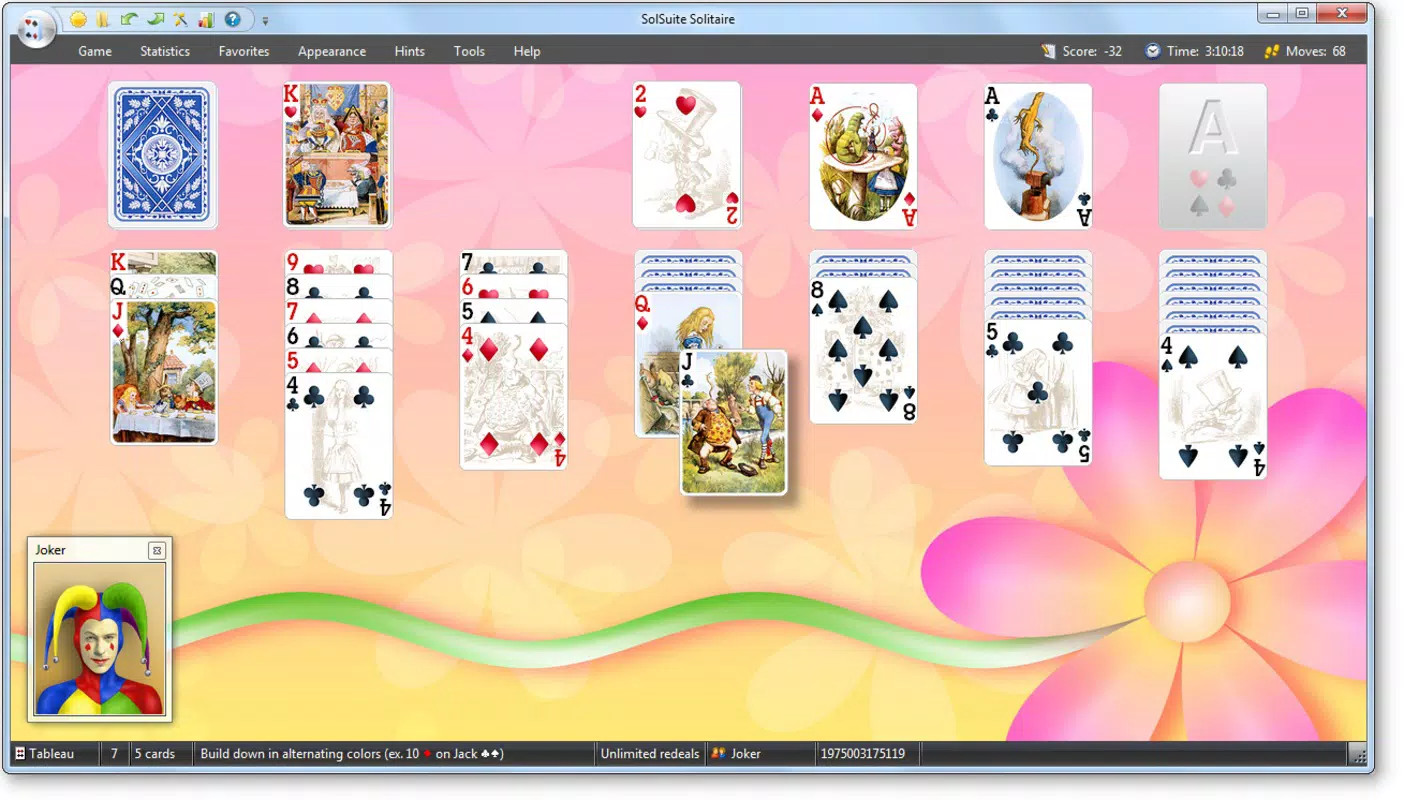
- Customizable Gameplay: Users can modify game rules, choose from multiple visual themes, and adjust difficulty levels. This flexibility allows players to tailor the experience to their preferred style, whether casual or competitive.
For example, a beginner might use the customizable difficulty setting to learn the rules of FreeCell gradually, while an advanced player could use the daily challenge to test their ability under time pressure. The statistics feature helps users track long-term trends, such as improving win rates over weeks or reducing average move counts.
Interface, UX & Performance
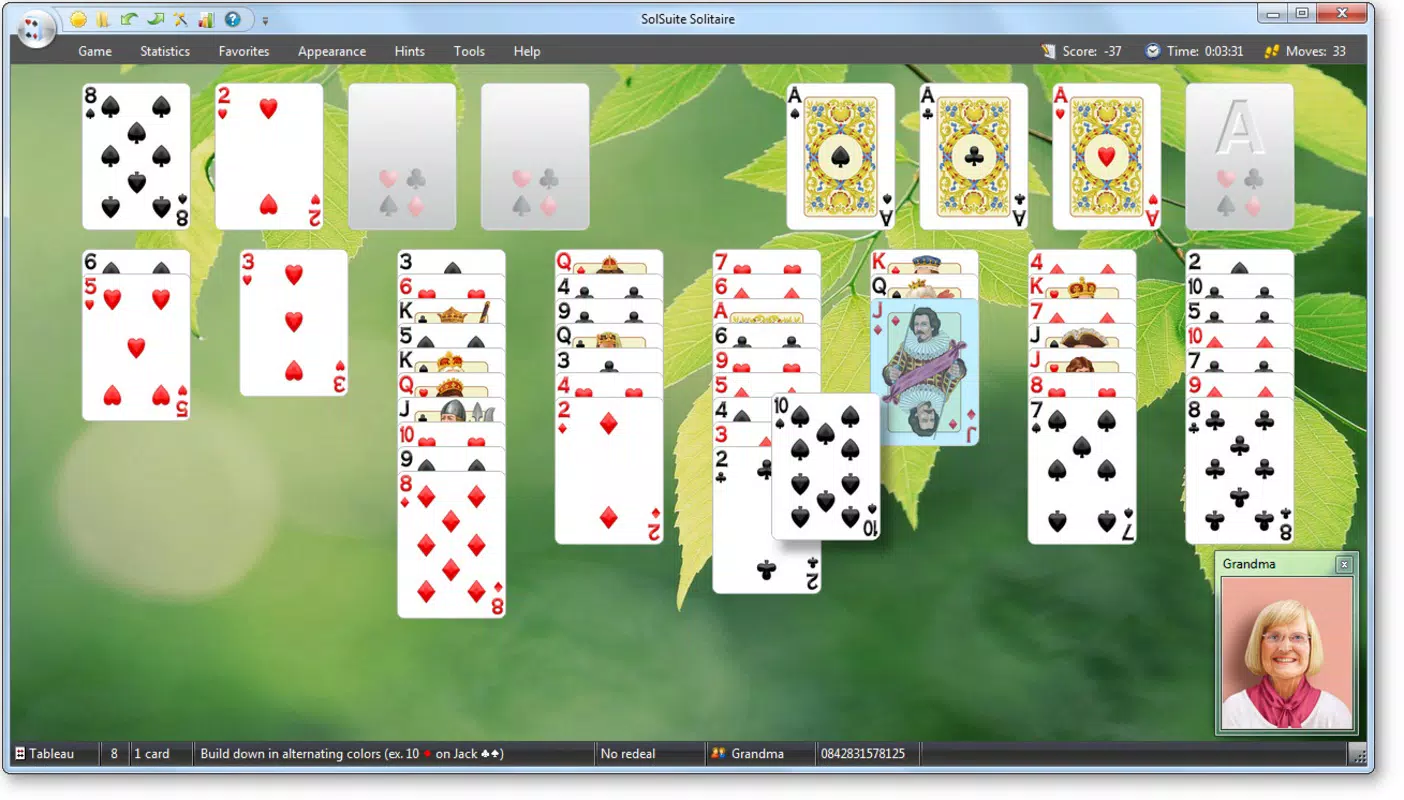
SolSuite features a clean, visually balanced interface with clear navigation paths and consistent design elements. The layout prioritizes usability, allowing players to access games, settings, and statistics with minimal taps. Visual cues and responsive feedback enhance the overall user experience, particularly during card selection and game transitions.
Navigation is streamlined, with a central menu providing quick access to all core functions. The app maintains consistent visual hierarchy, ensuring that important actions—like starting a new game or viewing statistics—are easily identifiable. Although the developer did not list formal performance metrics, the app appears to function smoothly across a range of device categories, with responsive interactions and stable gameplay.
Stability is maintained during extended play sessions, and the app does not exhibit noticeable lag or crashes based on available information. The interface adapts well to different screen sizes, though specific compatibility details were not disclosed. Overall, the UX is designed to minimize friction, making it accessible to users of varying technical proficiency.
Platform Compatibility & Technical Requirements
SolSuite is available on Android and iOS platforms. The app’s current version is 2009, with a file size of 125.4 MB. The developer did not specify minimum OS requirements or compatibility details beyond the platforms listed. As such, users are advised to check their device’s system version and available storage before installation.
Compatibility information was not fully disclosed, so users should verify whether their device meets the necessary specifications. The app does not appear to require special permissions or hardware features, suggesting broad accessibility across standard smartphones and tablets. However, no official details were provided regarding supported Android or iOS versions.
Pros and Cons
Pros
- Extensive library of solitaire games, including rare and unique variations.
- Comprehensive statistics tracking for performance analysis and skill development.
- Daily challenges promote consistent engagement and variety.
- Customizable settings allow personalization of gameplay and visual themes.
- Intuitive interface suitable for both beginners and experienced players.
Cons
- Specific technical requirements and compatibility details were not listed.
- Performance on older devices or low-end hardware was not disclosed.
- App size may be large for users with limited storage space.
- No information provided about in-app purchases or ads.
- Update frequency and developer support status were not specified.
FAQ
Is SolSuite available for both Android and iOS?
Yes, SolSuite is available on both Android and iOS platforms. The app is designed to function across major smartphone operating systems.
Can I track my progress in SolSuite?
Yes, the app includes detailed statistics tracking for win/loss ratios, session duration, move counts, and more. These metrics are presented in graphs and tables for easy review.
Are there daily challenges in SolSuite?
Yes, SolSuite offers daily challenges that present unique gameplay scenarios. These are designed to keep the experience fresh and encourage regular play.
Does SolSuite require internet access?
While the app functions offline for gameplay, some features like cloud sync or updates may require internet access. Specific connectivity needs were not detailed.
How large is the SolSuite app?
The app has a file size of 125.4 MB. Users with limited storage should consider this when installing.
Final Thoughts
SolSuite stands out as a robust and thoughtful solitaire application that blends classic gameplay with modern enhancements. Its vast game selection, detailed performance tracking, and daily challenges make it a valuable tool for both casual players and dedicated enthusiasts. The customizable interface ensures that every user can shape their experience to match their preferences, while the clean design promotes ease of use across different skill levels.
While specific technical details such as OS requirements and update frequency were not provided, the app’s structure and functionality suggest a well-considered development approach. For those seeking a reliable, engaging, and intellectually stimulating mobile card game, SolSuite delivers strong value.
Download SolSuite now


